Start immediately
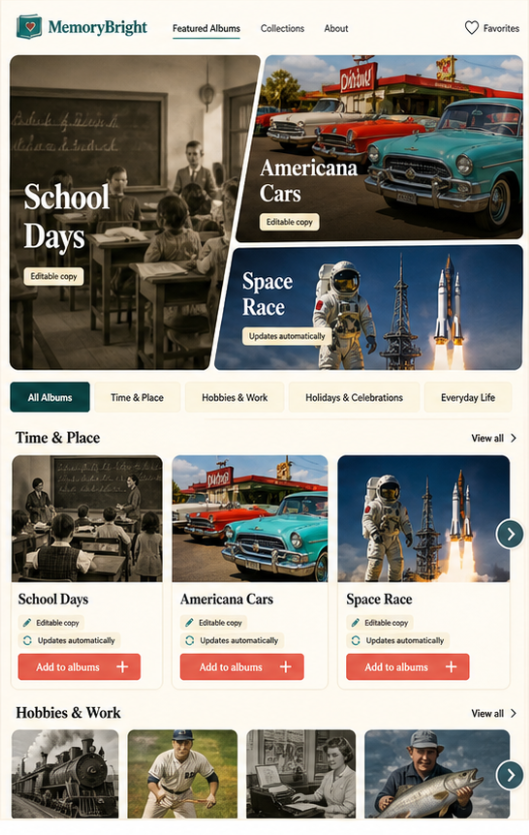
Open a Feature Album
Explore ready-made themes such as animals, landmarks, music, and familiar everyday objects. No personal photos or setup are required.
Try a Feature Album
Simple to begin. Meaningful from the start.
Memory Bright guides you from a first familiar photo to a personal Life Album your loved one can open with one private link—then turns those memories into four simple activities.
30-Day Free TrialNo Credit Card Necessary$9.95/month or $99.95/year after trial
Choose the easiest starting point
You do not need to finish an album before Memory Bright can be useful. Begin with whichever path feels right today.
Explore ready-made themes such as animals, landmarks, music, and familiar everyday objects. No personal photos or setup are required.
Try a Feature Album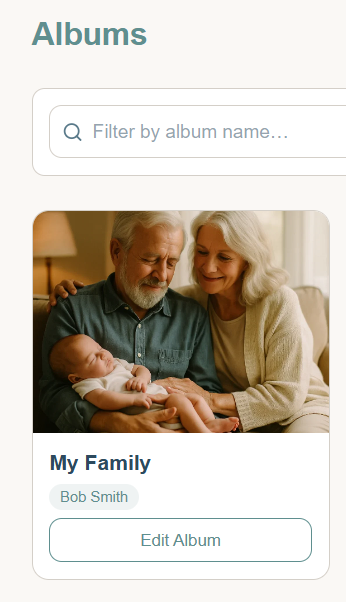
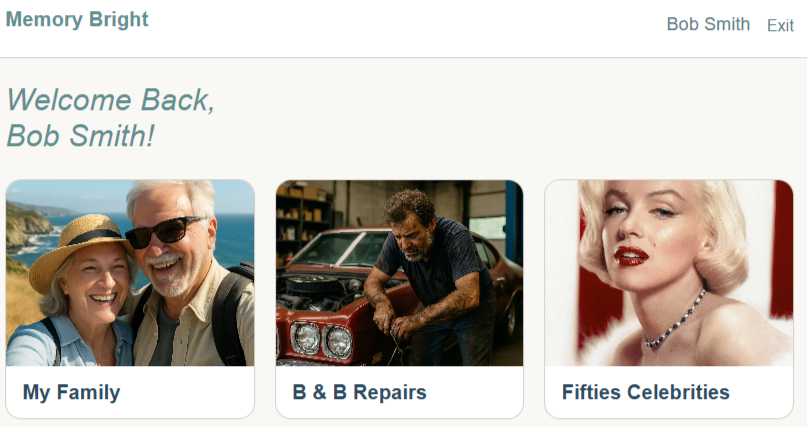
Bring together the familiar faces, places, voices, videos, and stories that belong to your loved one and your family.
See the guided stepsGuided Setup
Clear prompts walk you through the initial setup. Save your progress, return later, and keep adding memories over time.
Begin with a person, place, event, or theme that matters. One small album is enough to get started.
Add photos, names, short stories, recorded voices, audio, or video. You can build gradually and return whenever you like.
Create a simple, focused experience for your loved one and choose which albums they can open.
Send a private Magic Link by email or text so your loved one—or someone supporting them—has no password to remember.
Use Game, Story, Explore, or Auto Play depending on whether the moment calls for participation, conversation, freedom, or calm.
Start with three familiar memories. Memory Bright can grow as your family adds new photos, voices, and stories.
One album, four experiences
The same familiar content can be active, conversational, open-ended, or calming. There is no score to chase and no single correct way to use it.
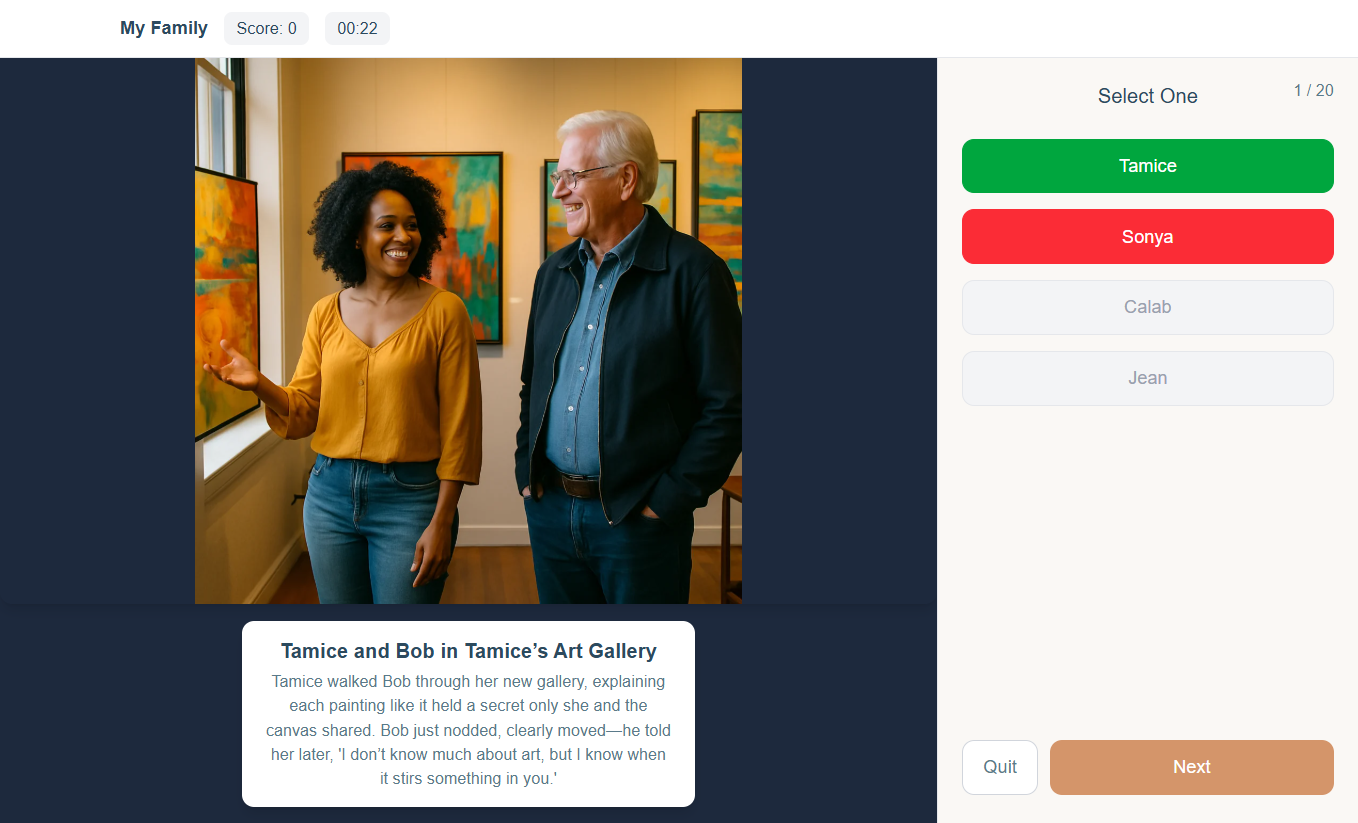
Choose a familiar person, place, or memory from simple options, with immediate encouragement and no pressure.
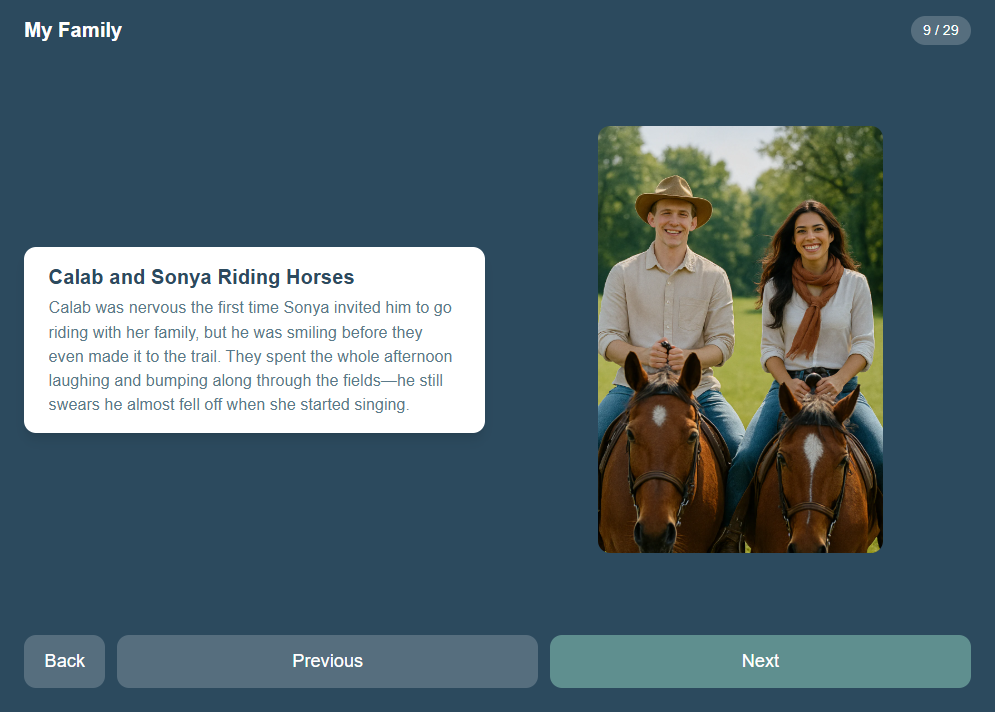
Move through photos, names, voices, videos, and personal stories together at a comfortable pace.
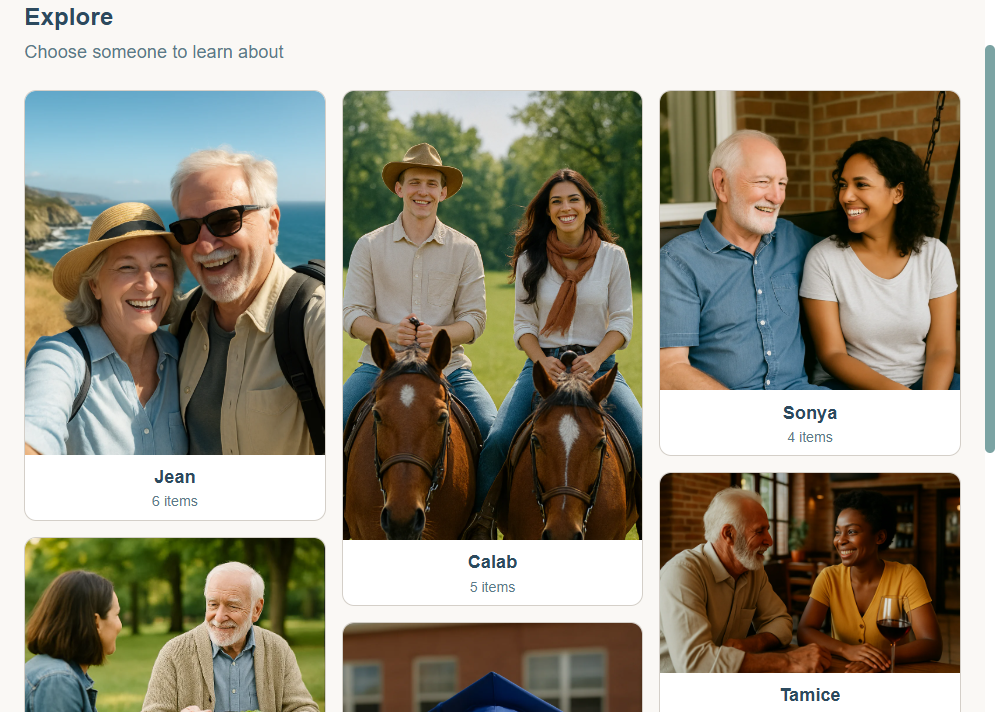
Browse familiar album items freely and open whatever feels interesting in the moment.
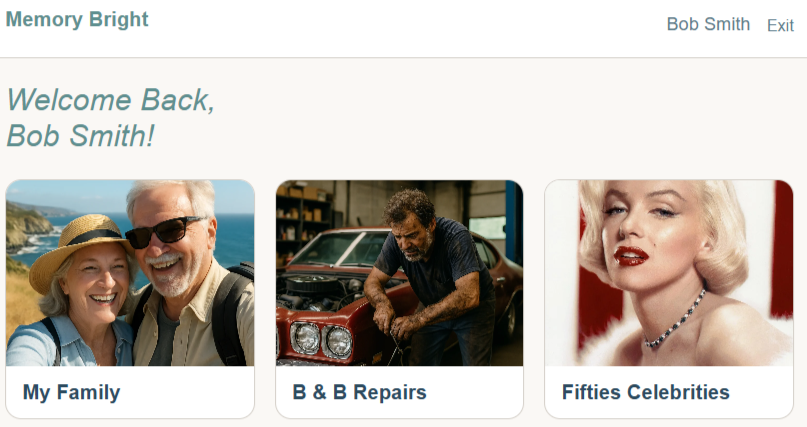
Let familiar memories advance automatically for hands-free, low-pressure enjoyment.
The demo opens in a new tab. No signup is required.
Easy for the whole circle of care
A private one-click access link—called a Magic Link—can be emailed or texted to your loved one, a family member, or a trusted caregiver. They open the focused album experience without entering another username or password.
Begin with something familiar
Guided Setup helps you build from there, while Feature Albums give you something meaningful to use right away.
No credit card necessary
$9.95/month or $99.95/year after trial