Auto Play
Auto Play runs hands-free Memory Sessions by cycling through photos and audio automatically. It's ideal when you want comfort and engagement without tapping, choices, or navigation.
Many caregivers use Auto Play for quiet afternoons, transitions, and late-day routines (including sundowning support) because it creates a soothing, familiar atmosphere.
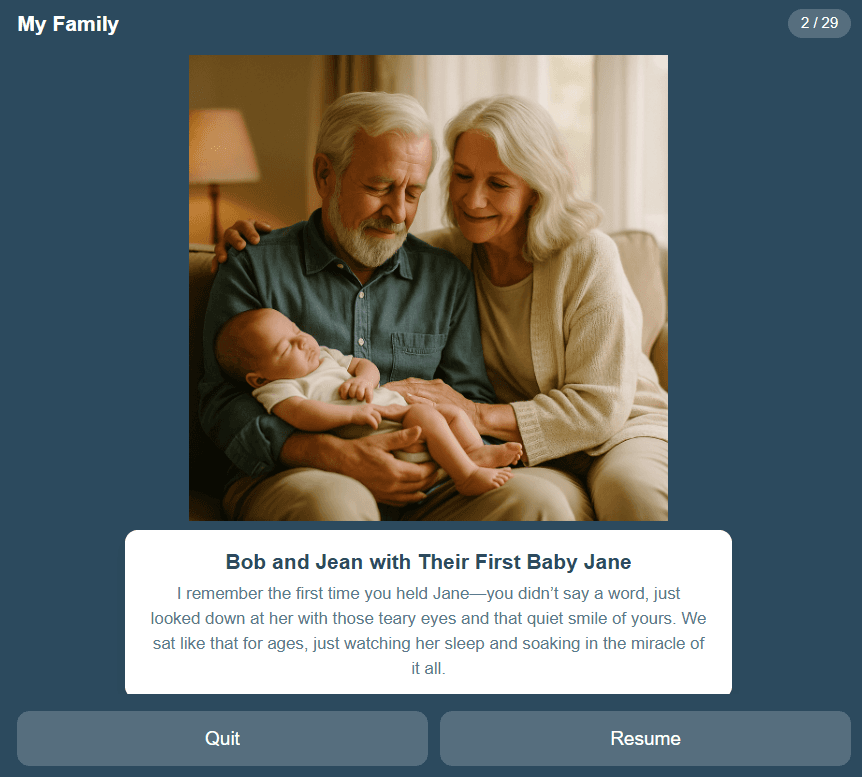
What Auto Play Does
Auto Play creates a steady, calming rhythm by continuously playing familiar images and sounds. It can be used as a background “comfort loop” or as a shared session during visits.
- Hands-free: no navigation required
- Soothing routine: predictable pacing supports comfort
- Familiar cues: photos and voices reinforce connection
- Works anywhere: tablet, laptop, or connected display
Best Times to Use Auto Play
- Quiet afternoons and downtime
- Before meals or bedtime routines
- Transitions after appointments or visitors
- Late-day restlessness and sundowning times
How to Run an Auto Play Session
Choose content
Select a Life Album or Feature Album with familiar, comforting images and sounds.
Start Auto Play
Let the session run hands-free. Sit together or let it play softly in the background.
Keep it gentle
If a moment sparks conversation, pause and talk. If it becomes tiring, stop early.
Repeat as a routine
Many caregivers use Auto Play daily at the same time to support calm and predictability.
Auto Play for Calm & Sundowning Support
Late-day restlessness can be hard. Auto Play helps by reducing decision-making and creating a familiar, comforting atmosphere. Use familiar faces, soothing voice notes, or gentle themed Feature Albums.
Helpful routine idea
Start Auto Play 20–30 minutes before the typical “hard time” begins. Keep lighting soft and distractions low. If attention drops, let it run in the background.
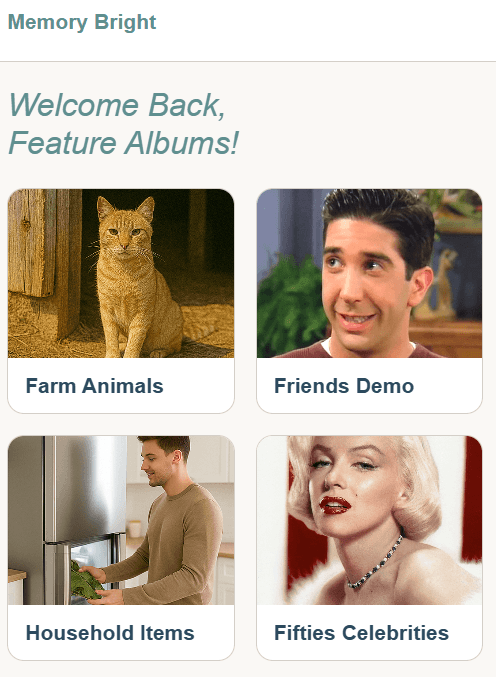
Start Fast with Feature Albums
Feature Albums are curated for reminiscence-based sessions. Free previews rotate over time, and the full library is available with subscription.
Other Memory Activities
Use Story for calm guided playback or Explore to follow conversation naturally.
Explore
Browse freely at your own pace—great for visits and conversation-led moments.
Explore ActivityTry Auto Play Today
Start a free trial for family use, or request a pilot for your organization.